Apps
How to download Premiere Play: check out the process
The Premiere App came to change the lives of football lovers. Find everything you need in Premiere Play. Check out the detailed step-by-step guide to download this incredible application.
Advertisement
See the step-by-step guide to signing up

Knowing how to download Premiere Play is essential for anyone who wants to watch football where there is the largest selection of games.
We have done a detailed step-by-step guide so that you don't have any doubts and can enjoy this application to the fullest.

With several state competitions going on, and the Brazilian Championship about to start, the ball world is on fire.
And this app also helps you stay up to date with the latest news. Check out how to download Premiere Play here.
What are the requirements to download this application?
The only requirements to download this application are to have a device with internet access, such as a cell phone or tablet.
Remembering that those who subscribe to Premiere Play can still access the games on their computer directly on the website.
How to download Premiere Play?
To download Premiere Play, it's very simple, just follow our step-by-step instructions below.
Download the app
To download Premiere Play, first access your application store on your cell phone or tablet.
Therefore, if your cell phone is Android, look for Play Store. But if it's an iPhone (IOS), search for Apple Store.
After that, just type “Premiere” in the search tab and click “download”.
Create the account
After downloading the app, it's time to create your account or log in if you already have a Globo account.
With this login, you will be able to access Premiere on up to 3 devices at the same time.
To do this, it is important to keep your login and password well so that you can always log in.
Sign up
Now, after downloading Premiere Play and creating an account, it's time to sign up. But first, see which plan is most worth it for you.
When you open the application, click on “subscribe” and then choose which plan you want to subscribe to.
With the plan chosen and the account created, just choose how to pay and subscribe.
Now just enjoy everything the application has to offer.
Premiere Play or TNT Sports Stadium: which football app is the best option?
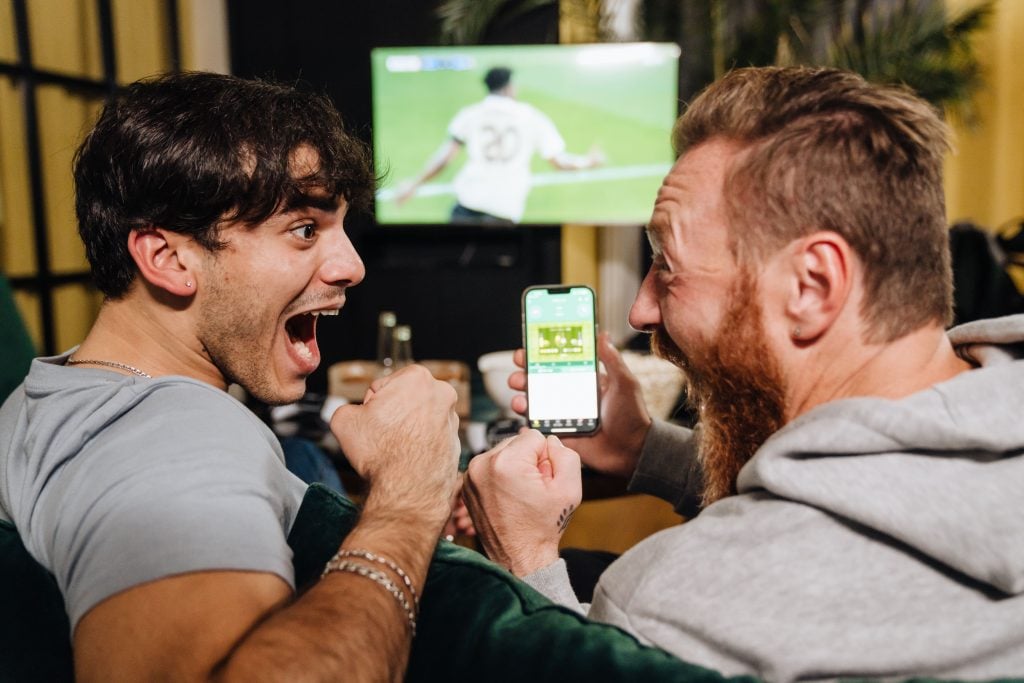
Premiere is the most complete option, where you can find all the coverage of the main national championship: the Brasileirão.
However, the TNT Sports Stadium also broadcasts the Champions League and even the biggest basketball championship in the world: the NBA.
If you are interested and also want to visit the TNT Sports Stadium, see our article below.
Trending Topics

Discover Artificial Intelligence Apps for a Smarter and Efficient Life
Discover the transformative power of Artificial Intelligence apps. Explore the future of technology and download now and simplify your life.
Keep Reading
YouTube Music app: see how to download it to listen to quality music
With YouTube Music, you can discover an exciting new way to experience your favorite music! Come see.
Keep Reading
Save up to 70% on Fashion with SHEIN Coupons
Guarantee SHEIN coupons for 10%, 20% or even 30% discount in our article. You can't miss this great opportunity!
Keep ReadingYou may also like

How to watch Palmeiras game: check out the apps!
Check out the apps to watch the Palmeiras game, the team will compete in major competitions this year, don't miss it.
Keep Reading
How to watch the Dutch Championship live?
Want to know how to watch the Dutch Championship live? Check out our tips and find out where to follow your favorite team!
Keep Reading
Discover Skyscanner and discover how to save on your flights:
Find the best deals on airline tickets with Skyscanner Flights! Discover the world with savings and ease,
Keep Reading


