Apps
Application to measure glucose: Discover this innovation
Diabetics need to monitor their blood sugar levels at all times, however, the methods of making several punctures to collect blood can end up being annoying. That's why we've brought you an alternative. Read our article and learn about an app that can make your life easier.
Advertisement
Discover the glucose measuring app and change the way you monitor your health
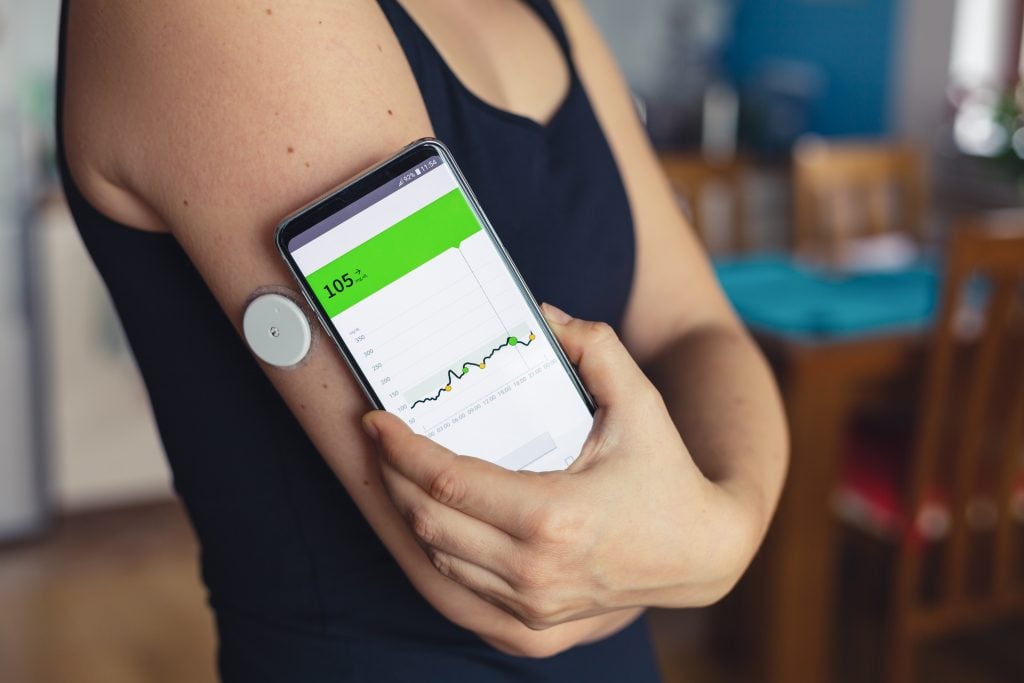
So are you ready to change the way you measure your glucose? If so, then come and learn about an App to measure glucose.
And you, diabetic who is tired of pricks and punctures to measure your glucose! We have great news for you! No more suffering.
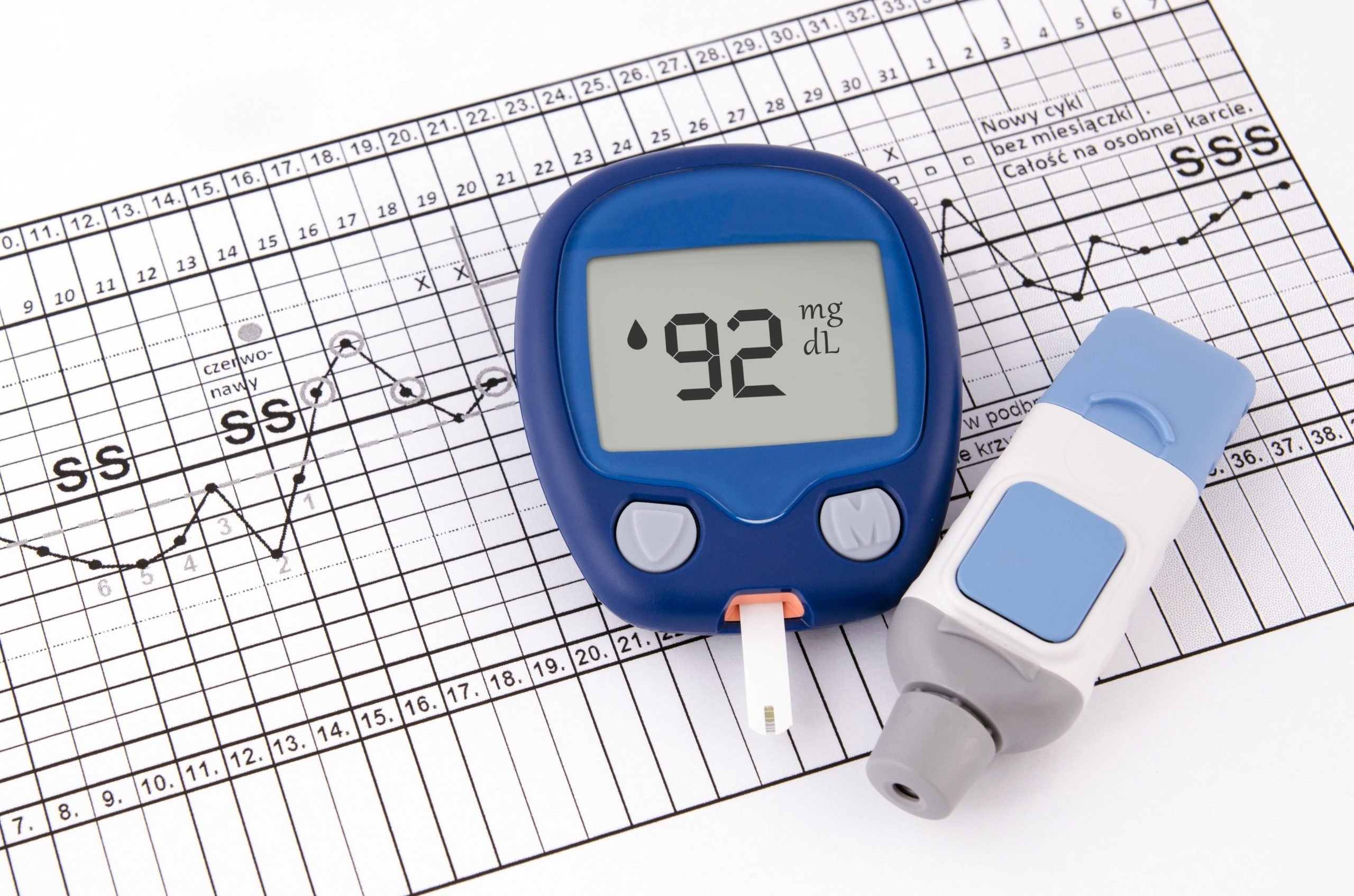
We have found the perfect solution to make your life much easier and more comfortable. We are talking about incredible apps that will revolutionize the way you monitor your blood sugar levels.
Is it possible to measure glucose with an app?
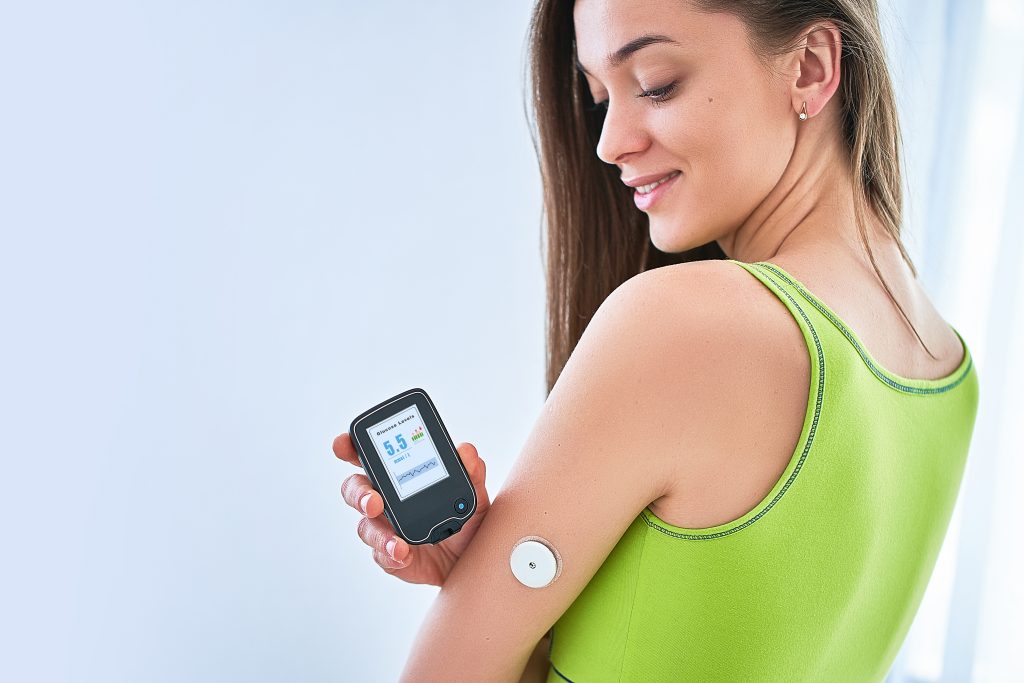
Firstly, it is important to clarify this point, the application alone cannot measure your blood glucose level.
However, when used with a monitoring device, together they become much more practical for measuring glucose.
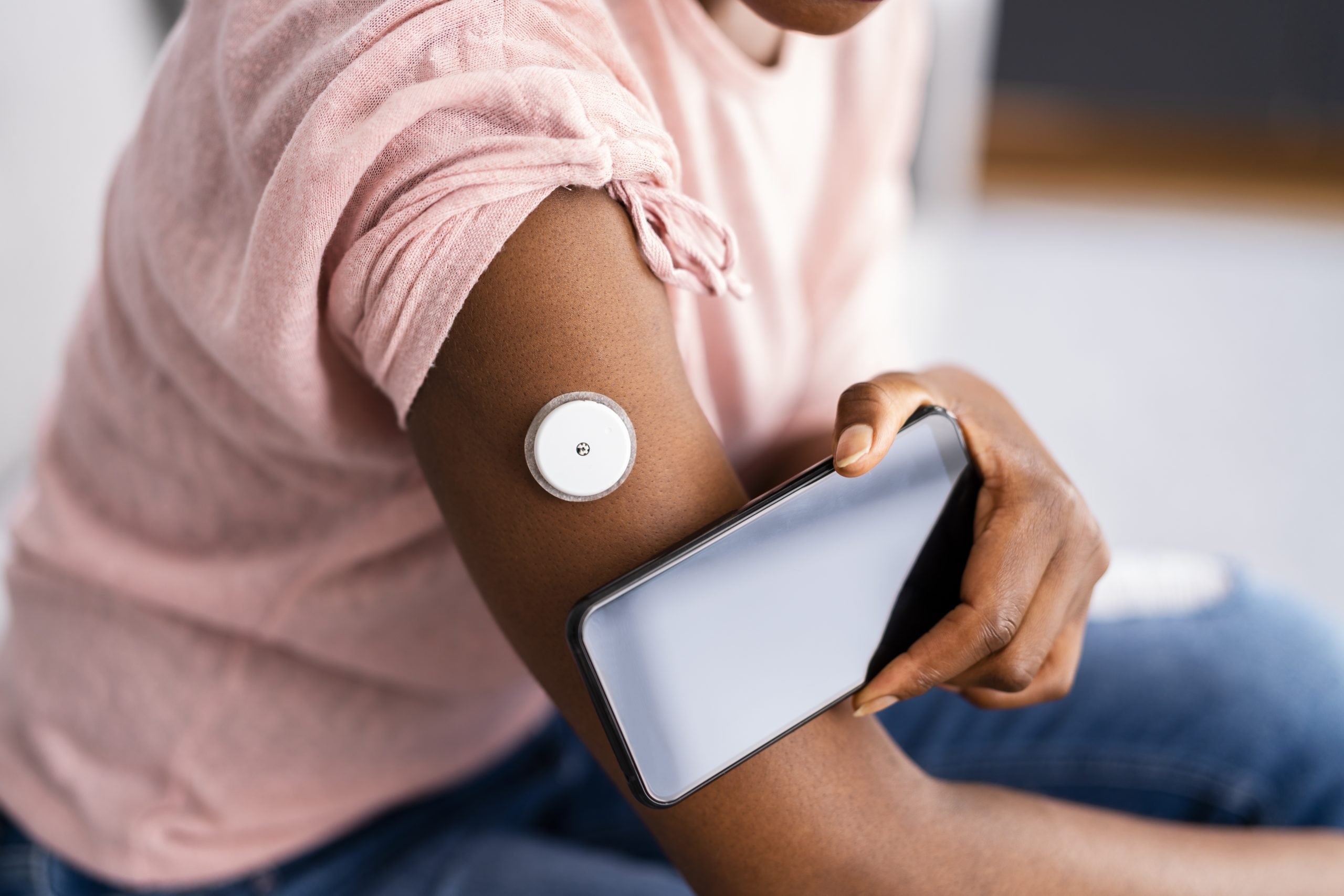
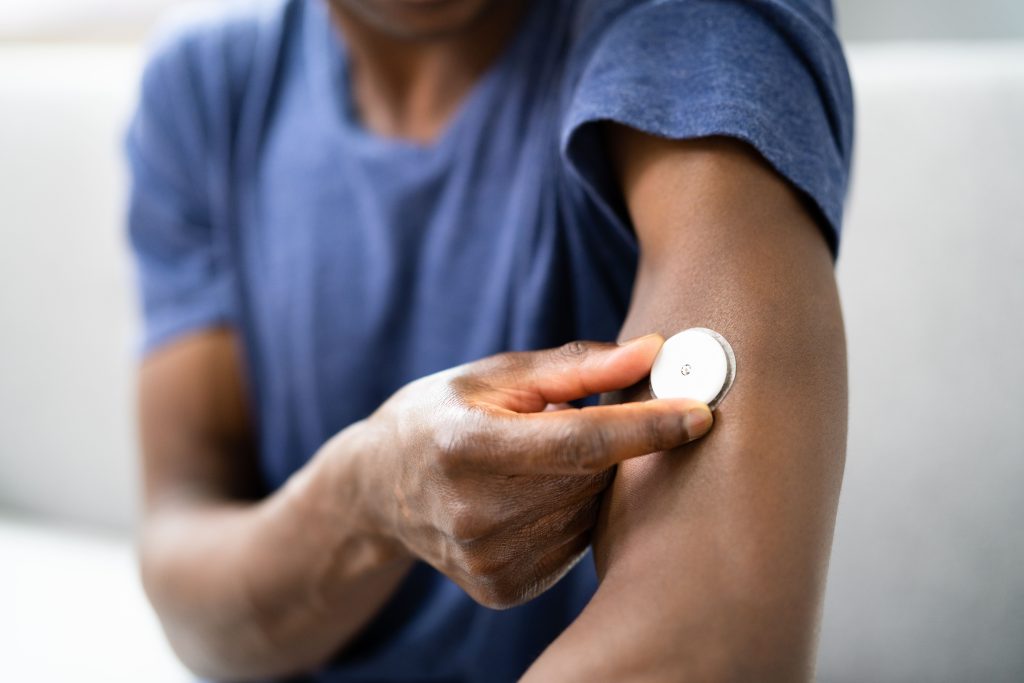
This device is just a sticker on the skin, so you don't need to prick your finger to measure glucose levels.
So if you are curious, check out the next topic to see how this application works.
How does this application work?
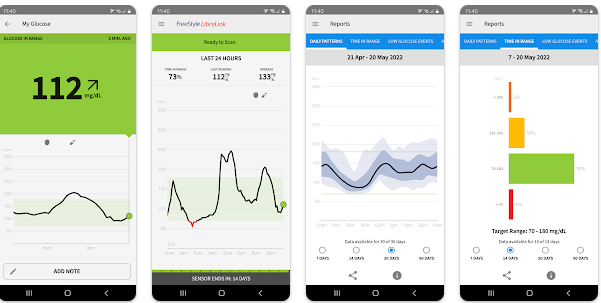
This application, together with the glucose monitor, works very simply, and we will explain how it works now.
First of all, you need to purchase a glucose monitoring sensor, it costs on average, from R$100.00 to R$200.00 reais.
After that, you need to download an app to be able to track the sensor information.
The monitoring sensor is similar to a one real coin, and you place it on your arm.
After that, with the glucose monitoring application downloaded and configured, just bring your cell phone close to the sensor to obtain glucose level data.
Freestyle Libre
This application was one of the pioneers in the creation of glucose monitoring devices, creating the device and making it available together with the application.
So if you want a reliable app with a name in the market, this is the perfect choice.
Buy the monitoring device and then download the application, after that just bring your cell phone close to the device.
Available for Android and iOS.
Glucose Control
This app does not measure your glucose, and must be used in conjunction with a glucometer, but together they become a powerful tool.
With this application you can help with glucose control, programming measurement alarms, exam records and dietary tips.
Additionally, you can record your exams for medical monitoring.
Available for Android and iOS.
Insulin Calculator
With an intuitive and easy-to-use interface, this application is aimed at type 1 diabetics.
It calculates insulin dosages based on carbohydrate, fat and protein counts. Therefore, you will have an estimated glucose value.
The Insulin Calculator helps patients divide their insulin doses and determine the best times to administer them throughout the day. It is only available for Android devices.
Available for Android.
Why download an app to measure glucose?
Downloading a glucose meter app can bring a number of benefits to those who need to monitor their blood glucose levels, so check out some of them below.
Here are some reasons why you might consider downloading an app:
- Ease and convenience: An app allows you to monitor your glucose directly from your cell phone without the need for injections.
- Continuous Monitoring: The apps are connected to continuous glucose monitoring (CGM) devices, allowing you to track your glucose levels in real time.
- Data organization: Apps allow you to record your glucose readings in an organized way.
- Reminders and alerts: Many apps have reminder and alert features to perform regular glucose tests.
How to download these apps?
To download glucose measuring apps, you can click the “Download App” button below, or follow our instructions:
- First, go to your mobile device’s app store. If you have an iPhone, go to the App Store. If you’re using an Android device, go to the Google Play Store.
- In the search bar, type keywords like “glucose meter app,” “glucose monitoring,” or the specific name of the app you want to download.
- Finally, once you find the app you want, click “Download” or “Install.” Wait until the download and installation is complete.
How to use these apps to measure glucose?
So using these apps is very simple, after purchasing your glucose monitoring device and downloading the app, just follow our instructions.
Finally, install the monitoring device on your arm, or in the area indicated by the manufacturer.
After that, with the monitoring application installed on your cell phone, just bring it closer to the monitor and collect your glucose data.
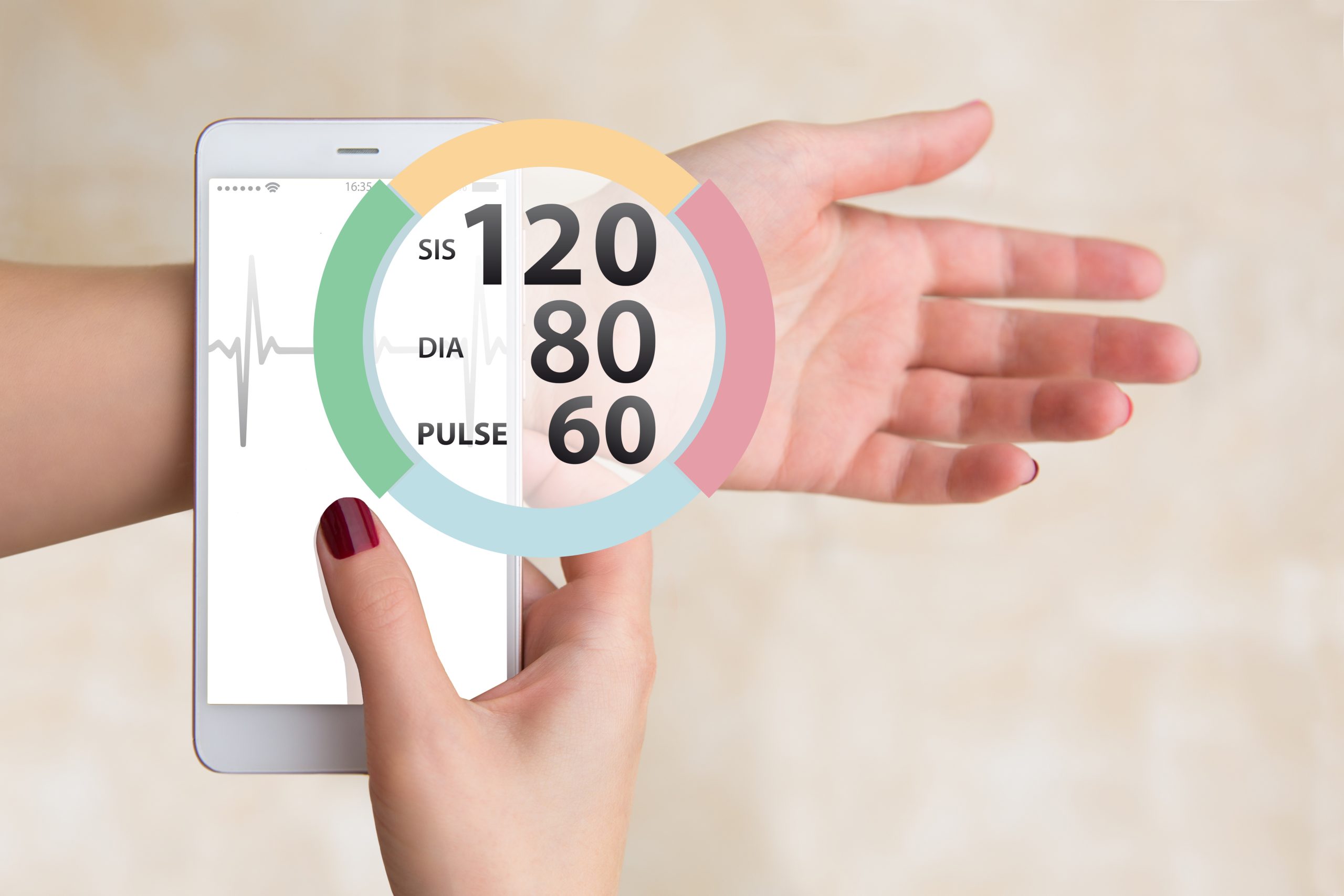
Pressure measurement app: Get to know the apps
Have you ever thought about being able to measure your pressure only with your cell phone and be able to monitor it whenever you want? Know that with the apps that we are going to introduce you to, this is possible!
Trending Topics

How to watch Copa do Nordeste games live?
Discover the best ways to watch the Copa do Nordeste games live and follow this competition from start to finish.
Keep Reading
Simple Radio app: check out how to listen to the radio for free
Enjoy an incredible variety of radio stations from around the world with Simple Radio! Discover the application now.
Keep Reading
How to subscribe to Lionsgate Plus: check out the process
How to subscribe to Lionsgate Plus is easy and simple. Read the article and register now to have access to the platform's entire film catalog.
Keep ReadingYou may also like
Shein Clothing Free Trial – Find Out How!
Transform your wardrobe without spending a penny! Discover the world of fashion with the Shein clothing free trial.
Keep Reading
Cuponomia app: learn how to get the best discount coupons
Saving money has never been easier! Discover how to use discount coupons in your online purchases with the Cuponomia app.
Keep Reading
How to subscribe to Amazon Prime: check out the process
See how to subscribe to Amazon Prime simply and without delay! So, have access to countless quality content.
Keep Reading


